
For families in our service areas
For families in our service areas, this guide explains caregiver support and how non-medical in-home caregiving can support care planning in East Idaho, Treasure Valley & Magic Valley, Northern Wasatch, North Central West Virginia, and Northeast Ohio.
Understanding Your Options
Caring for a loved one can be a deeply rewarding experience, but it often comes with its own set of emotional challenges. Caregivers frequently face feelings of stress and burnout, as they strive to ensure the safety and well-being of those they care for. It’s important to acknowledge these feelings and understand that you’re not alone in this journey.
Fortunately, there are tools available that can help lighten the load. Apps like Life360 and Google Family Link offer features such as real-time location sharing and emergency alerts. These applications not only enhance safety but also foster a sense of connection among family members. Imagine the peace of mind that comes from knowing you can check in on your loved ones at any time, or receive an alert if they need help.
By utilizing these resources, caregivers can alleviate some of the stress they experience daily. It’s about finding the right balance and support to promote the well-being of both caregivers and their loved ones. Remember, it’s okay to seek help and embrace the technology that can make your life a little easier.
As you navigate this path, know that there are compassionate solutions out there designed with your needs in mind. You deserve support, and these apps can be a step toward a more connected and secure family life.
The Importance of Apps to Track Family Members
In a time when caregiving responsibilities can feel like a heavy burden, technology emerges as a beacon of hope for those striving to stay connected with their loved ones. The right apps can truly empower caregivers, allowing them to monitor the well-being and safety of family members, which brings invaluable peace of mind. Yet, with countless options at their fingertips, how can caregivers discern which applications genuinely enhance their ability to provide care?
This article explores ten exceptional apps designed to track family members, highlighting their unique features and benefits. These tools can transform the caregiving experience, offering not just functionality but also emotional support. Together, let’s navigate this journey, ensuring that caregivers feel equipped and supported every step of the way.
Happy to Help Caregiving: Personalized In-Home Support for Family Connections
At Happy to Help Caregiving, we understand the emotional challenges that caregivers face. It can be overwhelming to juggle the needs of loved ones while managing your own feelings of stress and burnout. That’s why we offer customized in-home assistance designed to enhance connections among family members.
Our services, such as companionship care and post-hospital recovery assistance, are here to ensure that clients remain engaged with their loved ones. This tailored approach not only improves the quality of life for seniors but also alleviates the pressure that relatives often encounter when handling care responsibilities.
Imagine the peace of mind that comes from knowing your loved one is receiving compassionate support. Utilizing technology, specifically the best apps to track family members, can further strengthen these connections, allowing family members to stay informed about their loved ones' well-being.
We’re here to provide the emotional and practical support you need. You’re not alone in this journey; we’re committed to walking alongside you every step of the way.
https://iframe.tely.ai/cta/eyJhcnRpY2xlX2lkIjogIjY5MGE5NDA0MmVlYzMyNmQzNzg1YzUxYyIsICJjb21wYW55X2lkIjogIjY4ZWU1ZGNhNzMxNzYyNTU3ZjNjOTVjMSIsICJpbmRleCI6IDAsICJ0eXBlIjogImFydGljbGUifQ==Life360: Real-Time Location Sharing and Safety Alerts
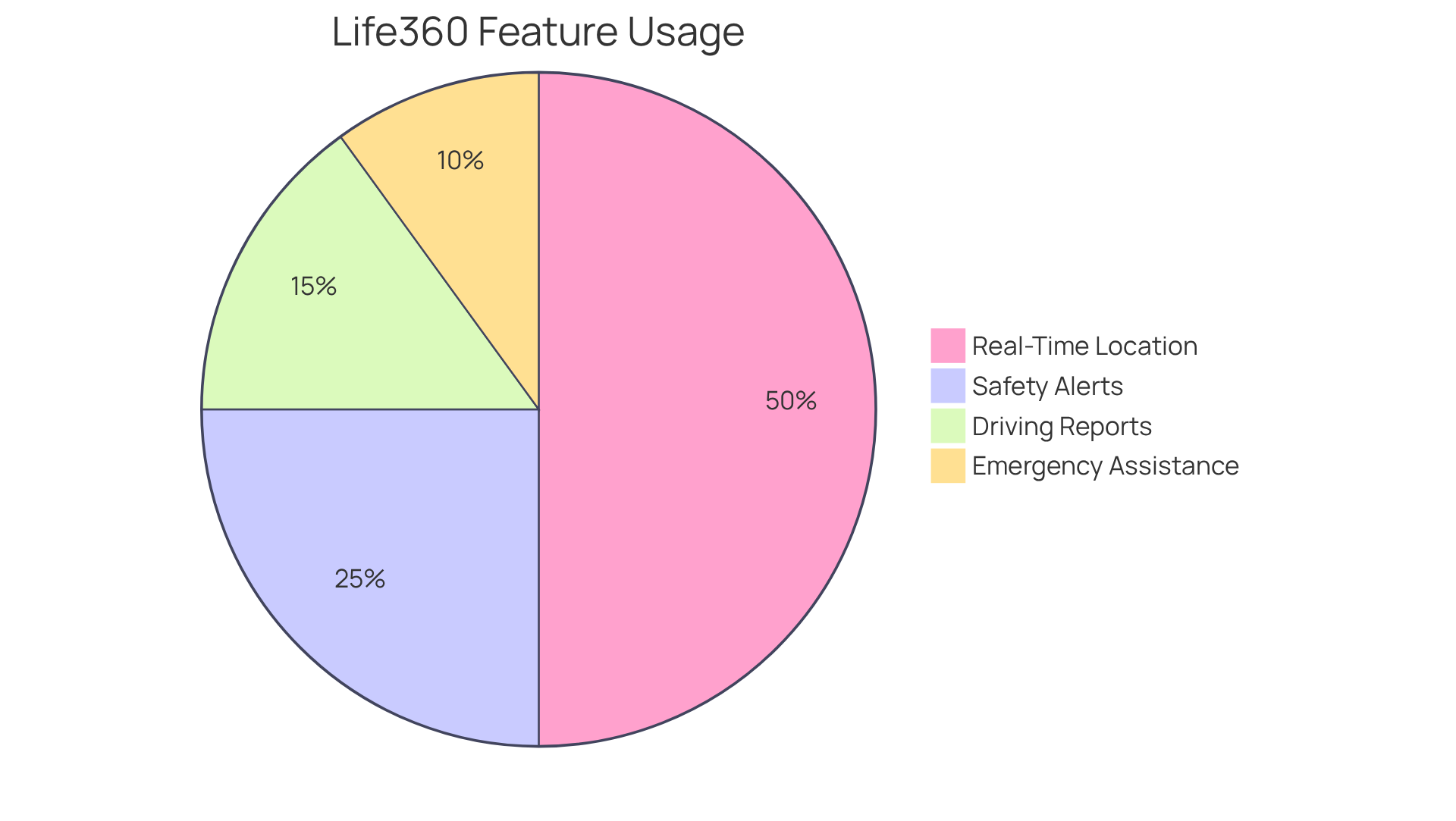
Caring for loved ones can be a heavy burden, filled with stress and worry. Life360 understands these challenges and is considered one of the best apps to track family members, providing caregivers with a robust resource for real-time location sharing. This feature is one of the best apps to track family members, allowing you to easily monitor the whereabouts of those you care about and providing invaluable peace of mind.
Imagine receiving a safety alert when your loved one arrives at or leaves a designated location. It’s a small gesture that can make a world of difference, easing your mind and allowing you to focus on what truly matters. With additional features like driving reports and emergency assistance, Life360 not only enhances household safety but also promotes independence among seniors.
The app has gained the trust of over 83.7 million monthly active users, a testament to its widespread adoption within the caregiving community. Experts agree on the importance of real-time location sharing; Christopher Norman, a Board-Certified Geriatric Nurse Practitioner, shares, "In my experience as a nurse practitioner working with people with memory loss (and their families), there have been several instances where GPS tracking has prevented harm or been life-saving."
Caregivers often rely on safety alert features, with Life360 having received over 2.1 million alerts. These notifications are crucial for coordinating assistance and ensuring prompt reactions in emergencies. For optimal functionality, it’s essential for users to grant necessary permissions, as the app’s performance depends on these settings. Life360 needs to operate dependably in the background to deliver timely location updates, ensuring that you can keep track of your loved ones’ safety.
Overall, Life360 is recognized as one of the best apps to track family members, serving as an essential tool for those dedicated to protecting their loved ones. It’s more than just an app; it’s a partner in your caregiving journey, offering support and reassurance when you need it most.
Google Family Link: Device Management and Location Tracking for Families
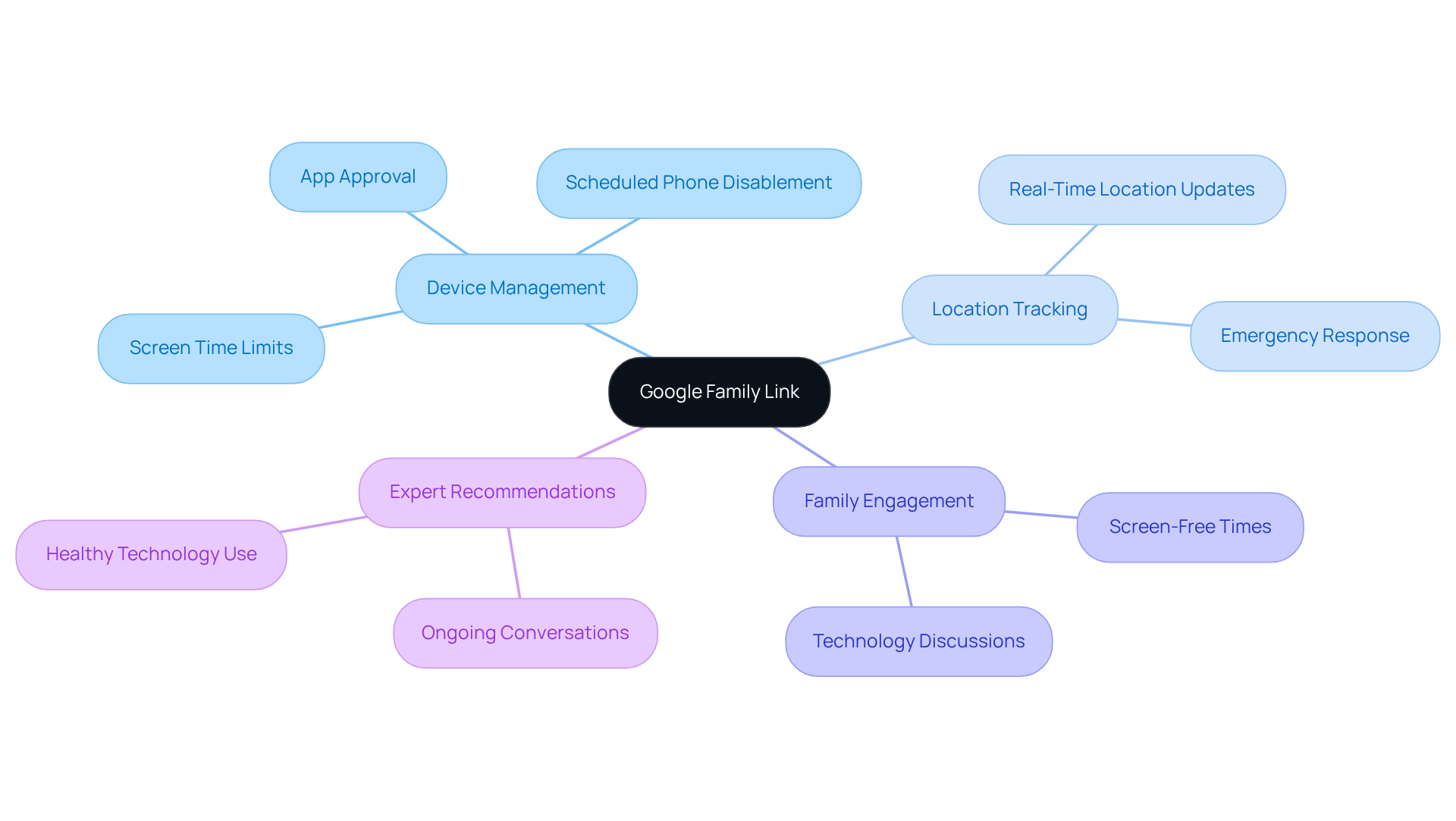
Google Family Link is a vital tool for caregivers, providing them with the ability to oversee their loved ones' devices and monitor their locations. This app is particularly helpful for families with younger members or older adults who may require additional support. Caregivers can set screen time limits, approve app downloads, and receive real-time location updates, all aimed at keeping their loved ones safe and engaged with technology in a responsible way.
The benefits of location monitoring for elderly individuals are significant, offering peace of mind for family members. Knowing where their loved ones are allows caregivers to respond quickly in emergencies or unexpected situations. Plus, Google Family Link lets guardians establish various schedules for device access, promoting a balanced approach to technology use.
Experts highlight that tools like Google Family Link not only assist in managing devices but also encourage conversations about technology use within families. The American Academy of Pediatrics suggests setting aside screen-free times, like during dinner, to foster healthy habits. Anya Kamenetz, author of The Art of Screen Time, stresses the importance of ongoing discussions about technology, ensuring it serves as a helpful resource rather than a source of stress.
With its user-friendly interface and comprehensive features, Google Family Link stands out as one of the best apps to track family members, making it essential for guardians looking to enhance the safety and well-being of their households. However, it’s important to remember that Google Family Link is primarily designed for children under 13, as they can choose to opt out of monitoring once they reach that age.
Find My (Apple): Seamless Location Sharing for Apple Users
Find My is more than just an app; it’s a lifeline for Apple users who care deeply about their loved ones. Imagine the peace of mind that comes from effortlessly sharing locations with family members using the best apps to track family members. This tool is invaluable for caregivers looking for the best apps to track family members. It allows them to keep track of their loved ones using the best apps to track family members, ensuring they are safe and secure, even when they can’t be there in person.
This app is considered one of the best apps to track family members because it goes a step further by sending alerts when relatives arrive or leave specific places. This feature is a gentle reminder that you’re connected, without being intrusive. It’s about fostering a sense of security and closeness, even from a distance.
In a world where stress and burnout can weigh heavily on caregivers, Find My offers a practical solution. It’s designed to alleviate some of that emotional burden, allowing caregivers to focus on what truly matters: the well-being of their loved ones. With this app, you can feel more at ease, knowing that you’re always just a tap away from ensuring their safety.
Let’s embrace the comfort that comes from knowing we’re not alone in this journey. Find My is here to support you, providing both emotional and practical assistance. You deserve to feel connected and reassured, and this app is a step toward achieving that peace of mind.
https://iframe.tely.ai/cta/eyJhcnRpY2xlX2lkIjogIjY5MGE5NDA0MmVlYzMyNmQzNzg1YzUxYyIsICJjb21wYW55X2lkIjogIjY4ZWU1ZGNhNzMxNzYyNTU3ZjNjOTVjMSIsICJpbmRleCI6IDMsICJ0eXBlIjogImFydGljbGUifQ==GeoZilla: Location Tracking with Family Communication Features
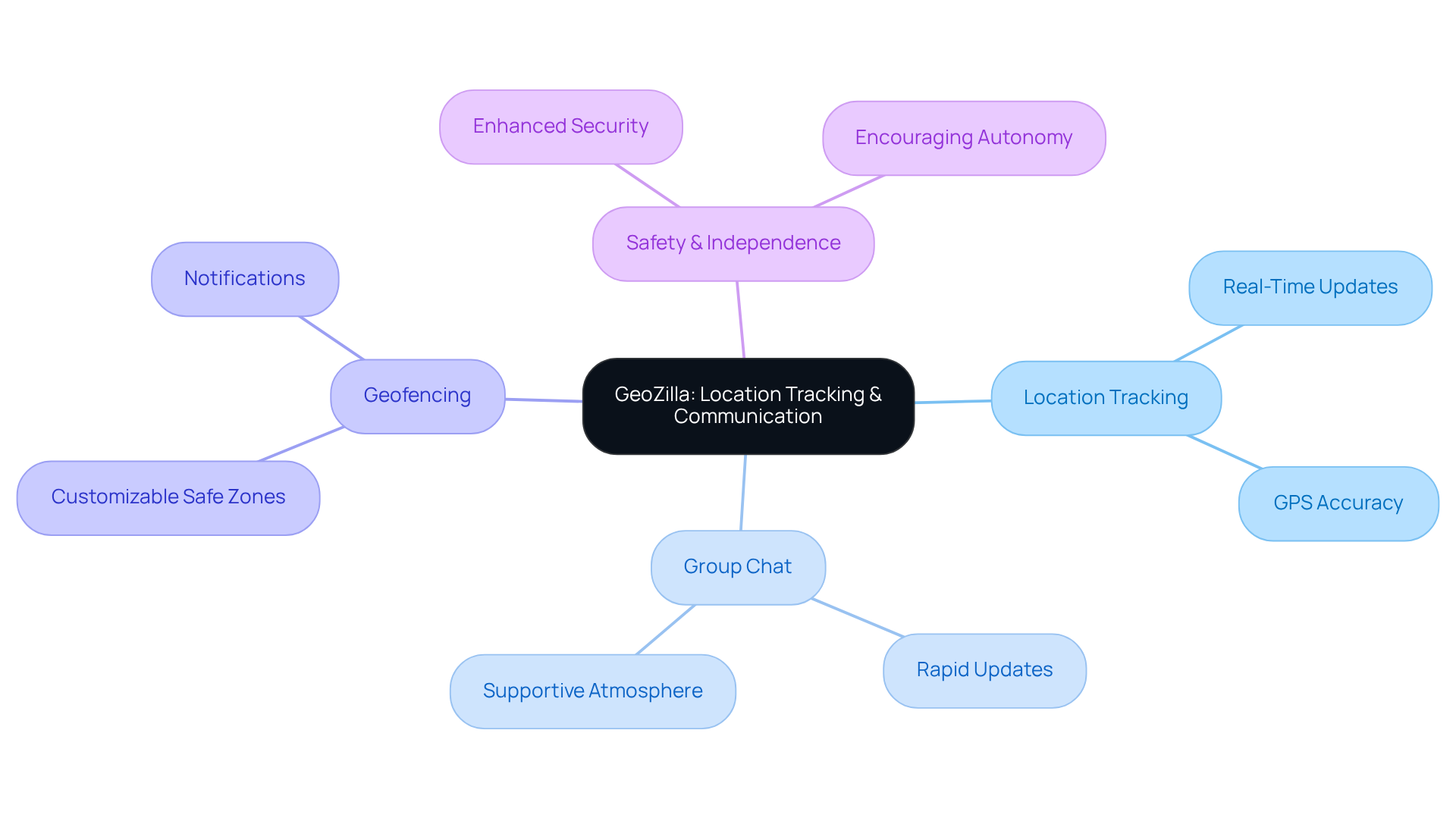
Caring for a loved one can be an emotional journey filled with challenges. GeoZilla understands the stress and burnout caregivers often face. That’s why it merges location tracking with vital communication features, empowering caregivers to stay connected with their loved ones.
Imagine being able to receive rapid updates and interact through the app's group chat feature. This cultivates a supportive atmosphere, allowing caregivers to share moments and concerns easily. With the ability to create geofences, caregivers can receive prompt notifications when relatives enter or leave specified zones. This proactive approach not only enhances safety but also encourages independence, letting seniors engage in activities without constant supervision.
Practical uses of geofencing in elderly support illustrate its effectiveness in alleviating anxiety for both providers and relatives. It ensures peace of mind while fostering a sense of independence. According to the Alzheimer’s Association, 60% of dementia sufferers will wander at least once, underscoring the importance of such technology in enhancing safety.
As communication experts note, effective tools like GeoZilla play a crucial role in supporting caregivers. They allow for swift responses to any concerns, nurturing a sense of security and connection. With GeoZilla, caregivers can feel more at ease, knowing they have the support they need to care for their loved ones.
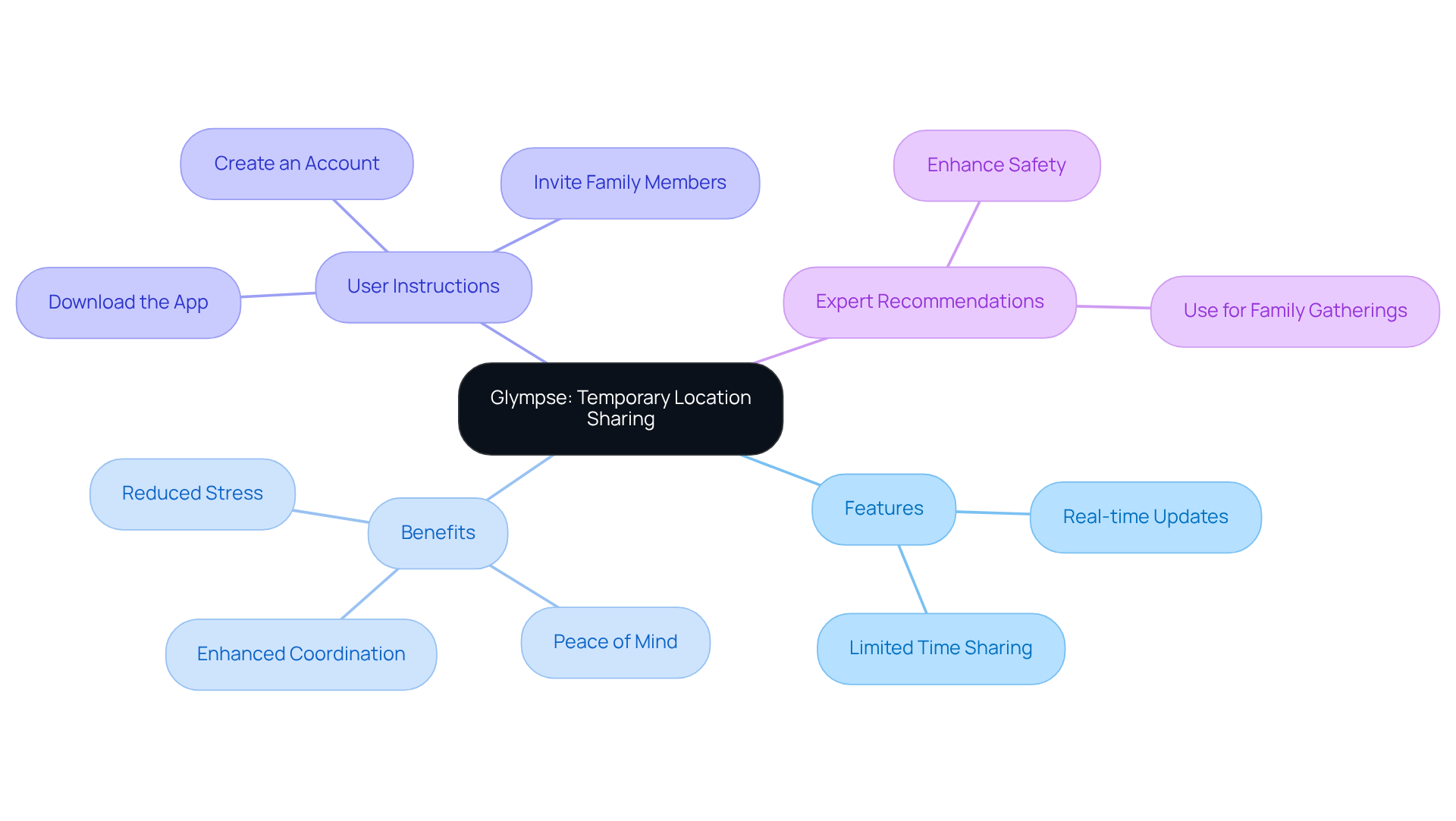
Glympse: Temporary Location Sharing for Coordinated Family Meetups
Glympse is more than just an app; it’s a lifeline for caregivers who worry about their loved ones. Imagine the peace of mind that comes from knowing you can share your location for a limited time, especially during gatherings. Caregivers can easily send a Glympse to family members, allowing them to see real-time location updates for a set period. This feature is a game-changer for older relatives, helping them feel secure as they navigate their way to events.
By empowering guardians to track their loved ones' movements, Glympse offers a sense of reassurance. It allows families to enjoy their time together without the nagging worry of whether everyone has arrived safely. Research shows that ensuring the safety of older relatives during gatherings can significantly reduce stress for caregivers. In fact, a case study found that families using location-sharing apps reported a remarkable 30% drop in stress levels during events.
Experts in event planning recommend using the best apps to track family members, such as Glympse, to enhance coordination and safety, emphasizing how technology can strengthen family bonds, especially during busy gatherings. Getting started with Glympse is simple: guardians can download the app, create an account, and invite family members to share their locations. This way, everyone stays connected and secure, making gatherings a joyful experience for all.
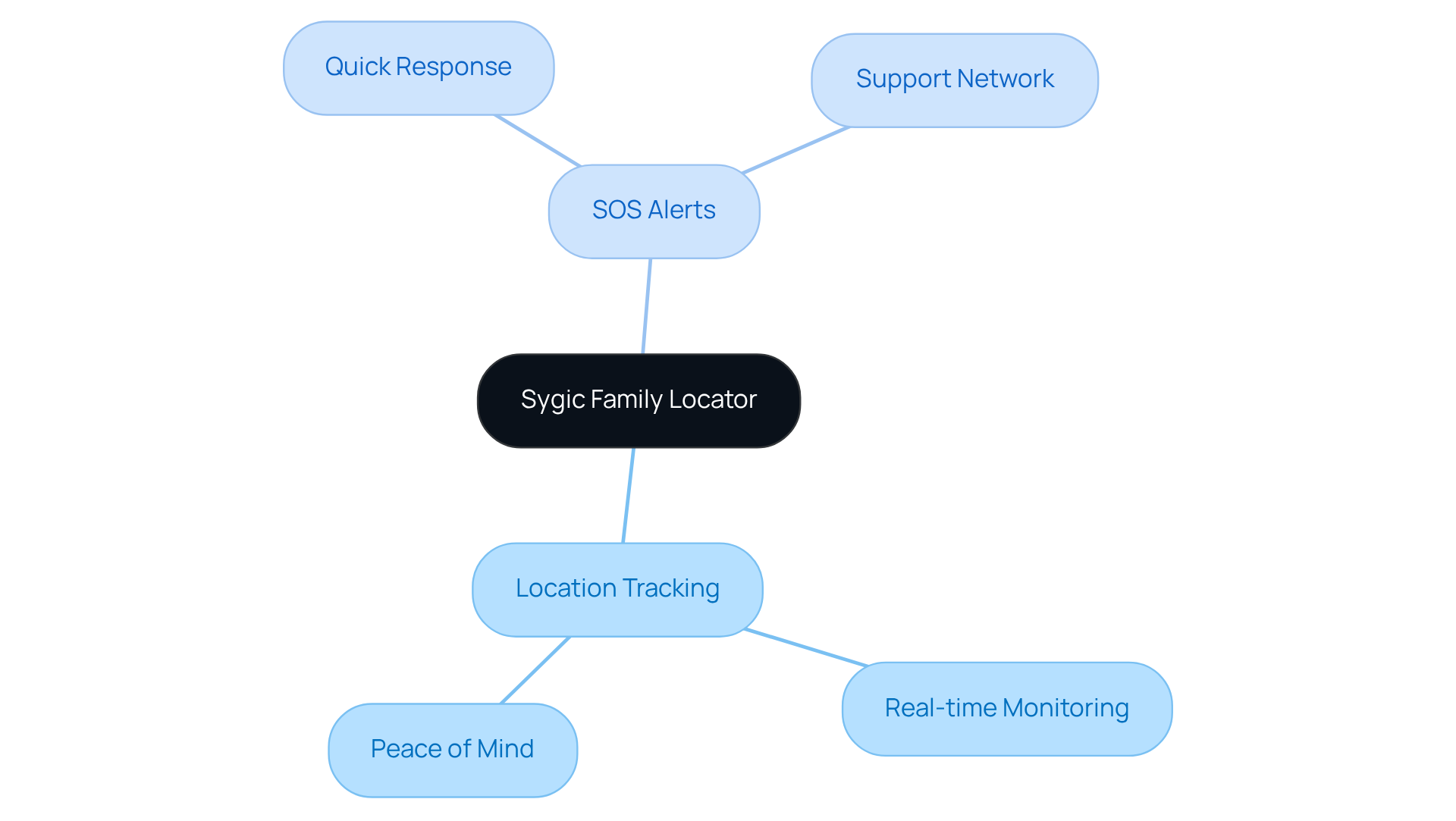
Sygic Family Locator: Location Tracking with SOS Alerts
Sygic Family Locator truly shines as one of the best apps to track family members, providing essential location tracking features along with SOS alerts. In those urgent moments, loved ones can swiftly send an SOS alert to their supporters, ensuring help arrives without delay. This capability is vital; studies show that quick responses to emergency alerts can significantly cut down response times, potentially saving lives.
Moreover, the app is considered one of the best apps to track family members, empowering guardians to keep an eye on the real-time location of their cherished ones, providing not just peace of mind but also an added layer of security. This integration of features enhances safety while nurturing a sense of independence for seniors. They can confidently go about their daily activities, knowing that assistance is just a tap away.
In a world where caregivers often feel overwhelmed, Sygic Family Locator is one of the best apps to track family members, helping to ease the burden and foster a sense of connection and care.
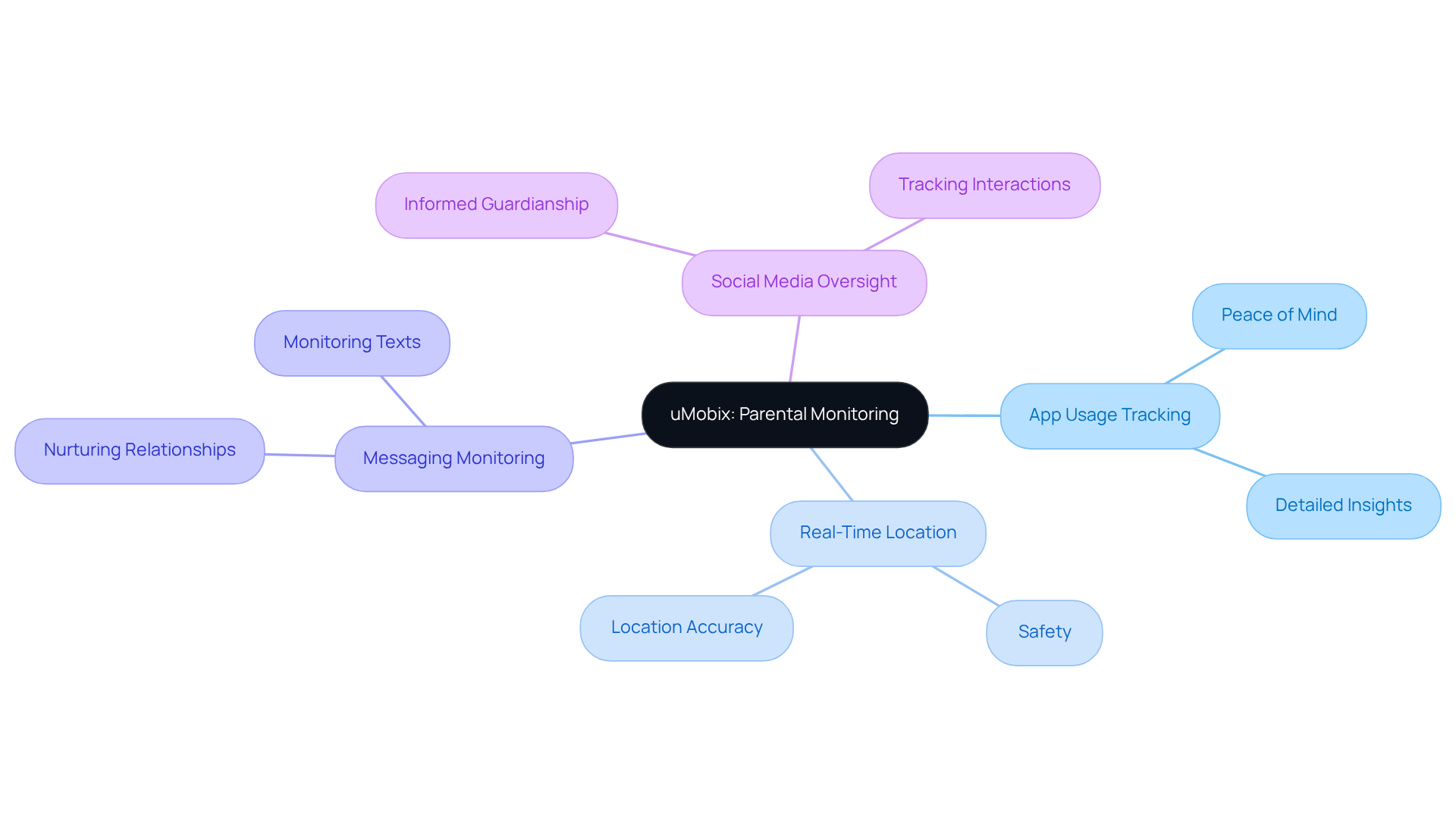
uMobix: Comprehensive Tracking for Parental Monitoring
uMobix truly shines as one of the best apps to track family members, specifically designed with guardians in mind. It allows them to closely observe the activities of their loved ones, providing peace of mind. This tool is particularly beneficial for those caring for younger relatives or individuals with special needs. It offers detailed insights into app usage, messaging, and real-time location tracking, which can be a source of comfort for caregivers.
By utilizing uMobix, guardians can ensure their loved ones are safe while using the app responsibly. This fosters a secure environment that promotes independence while still maintaining oversight. The app provides the ability to monitor social media interactions and messages, keeping guardians informed about their relatives' online activities, which is essential in our digital age.
As one expert wisely noted, "The greatest gift you can give someone is your time, attention, love, and concern." uMobix empowers caregivers to provide just that, keeping them connected and informed. In a world where stress and burnout can weigh heavily on caregivers, having a reliable tool like uMobix can make all the difference. It’s not just about monitoring; it’s about nurturing relationships and ensuring safety, allowing caregivers to focus on what truly matters.
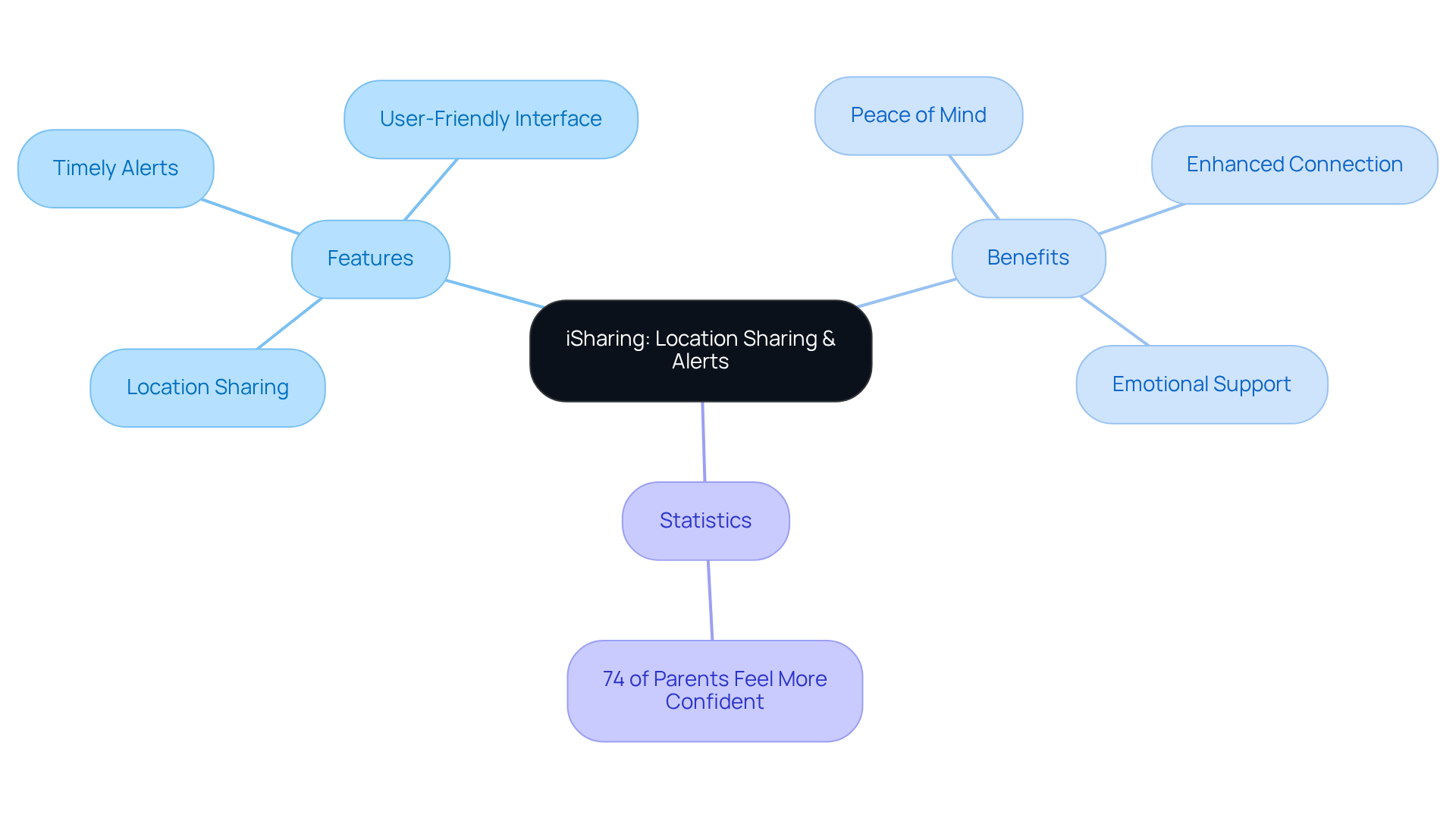
iSharing: Easy Location Sharing and Alerts for Families
Caring for loved ones can be a heavy burden, especially when it comes to ensuring their safety using the best apps to track family members. iSharing is here to lighten that load. This user-friendly application is among the best apps to track family members, as it allows households to share their locations easily and receive timely alerts, giving caregivers peace of mind. Imagine being notified when your relatives arrive at or leave designated spots—this feature is among the best apps to track family members, helping you stay connected and informed about their whereabouts.
The sense of security that comes from knowing your loved ones are safe is invaluable. With iSharing, you can foster that connection, enhancing not just safety but also the emotional bonds among family members. The app's simple interface makes it accessible for everyone, regardless of age, providing reassurance for both supporters and their loved ones.
Experts emphasize the importance of alerts in location-sharing applications. They offer real-time updates that can be crucial during emergencies. In fact, a study found that 74% of parents who set up parental controls feel more confident in keeping their children safe online. This highlights how proactive measures can significantly enhance safety.
By utilizing iSharing, which is considered one of the best apps to track family members, guardians can effectively monitor the safety of elderly relatives, ensuring they feel supported and secure in their daily activities. For the best experience, it’s important for caregivers to regularly check the app's settings. Customizing alerts based on your household's specific needs ensures you receive the most relevant updates, allowing you to focus on what truly matters—caring for your loved ones.
Safe365: Location Tracking and Emergency Alerts for Elderly Care
Caring for elderly family members can be a heavy burden, filled with worry and stress. Safe365 understands these emotional challenges and offers a solution designed with compassion in mind. This app is more than just a tool; it’s a lifeline for caregivers who want to ensure the safety and well-being of their loved ones.
Caregivers can keep a close eye on their elderly family members using the best apps to track family members, which include features like location tracking and emergency alerts. Imagine the peace of mind that comes from knowing you can use the best apps to track family members, which allow you to monitor their whereabouts and receive immediate alerts in case of emergencies. This support not only helps caregivers feel more secure but also promotes independence for seniors, allowing them to live their lives with dignity.
Safe365 is essential for fostering a nurturing environment where caregivers can provide the support their loved ones need. It’s about creating a balance between safety and independence, ensuring that seniors can thrive while caregivers feel empowered.
In a world where stress and burnout can easily creep in, Safe365 stands as a reassuring presence. It’s a reminder that you’re not alone in this journey. With the right tools, you can navigate the challenges of caregiving with confidence and compassion.
https://iframe.tely.ai/cta/eyJhcnRpY2xlX2lkIjogIjY5MGE5NDA0MmVlYzMyNmQzNzg1YzUxYyIsICJjb21wYW55X2lkIjogIjY4ZWU1ZGNhNzMxNzYyNTU3ZjNjOTVjMSIsICJpbmRleCI6IDksICJ0eXBlIjogImFydGljbGUifQ==Taking the Next Steps
The significance of embracing technology in family caregiving truly cannot be overstated. The best apps for tracking family members are invaluable resources for caregivers, offering peace of mind and strengthening connections with loved ones. By using these tools, caregivers can keep an eye on the safety and well-being of those they care for, creating a supportive environment that nurtures both independence and security.
Throughout this article, we've explored various applications like Life360, Google Family Link, and Safe365, each with unique features such as real-time location sharing, emergency alerts, and user-friendly interfaces. These apps offer distinct advantages tailored to different caregiving needs—whether it’s managing device usage for younger family members or ensuring elderly relatives can get immediate help when they need it. The insights shared highlight how these apps not only alleviate caregiver stress but also foster meaningful family interactions.
In times when caregiving can feel isolating and overwhelming, embracing these technological solutions can truly enhance the experience. By weaving the best apps into daily routines, caregivers can cultivate a sense of community and support that is essential for their well-being and that of their loved ones. Taking the step to explore and implement these tools is a proactive way to ensure safety, promote independence, and strengthen family bonds.
https://iframe.tely.ai/cta/eyJhcnRpY2xlX2lkIjogIjY5MGE5NDA0MmVlYzMyNmQzNzg1YzUxYyIsICJjb21wYW55X2lkIjogIjY4ZWU1ZGNhNzMxNzYyNTU3ZjNjOTVjMSIsICJpbmRleCI6IG51bGwsICJ0eXBlIjogImFydGljbGUifQ==Frequently Asked Questions
What services does Happy to Help Caregiving provide?
Happy to Help Caregiving offers personalized in-home assistance, including companionship care and post-hospital recovery assistance, aimed at enhancing connections among family members and improving the quality of life for seniors.
How does Happy to Help Caregiving support caregivers?
The organization provides emotional and practical support to caregivers, helping them manage stress and burnout while ensuring their loved ones receive compassionate care.
What technology can enhance family connections according to Happy to Help Caregiving?
The use of apps, specifically those designed for tracking family members, can strengthen connections by allowing family members to stay informed about their loved ones' well-being.
What features does the Life360 app offer for caregivers?
Life360 provides real-time location sharing, safety alerts when loved ones arrive or leave designated locations, driving reports, and emergency assistance, promoting both safety and independence for seniors.
How widely used is Life360 among caregivers?
Life360 has over 83.7 million monthly active users, indicating its widespread adoption within the caregiving community.
What is the importance of real-time location sharing according to experts?
Real-time location sharing can prevent harm and be life-saving for individuals with memory loss, as it allows caregivers to respond promptly in emergencies.
What permissions are necessary for Life360 to function effectively?
Users must grant necessary permissions for Life360 to operate in the background and deliver timely location updates.
What functions does Google Family Link provide for caregivers?
Google Family Link allows caregivers to manage devices, set screen time limits, approve app downloads, and monitor real-time locations of their loved ones.
Who is Google Family Link primarily designed for?
Google Family Link is primarily designed for children under 13, as they can opt out of monitoring once they reach that age.
How does Google Family Link promote healthy technology use?
The app encourages discussions about technology use within families and allows caregivers to establish schedules for device access, promoting a balanced approach to technology.