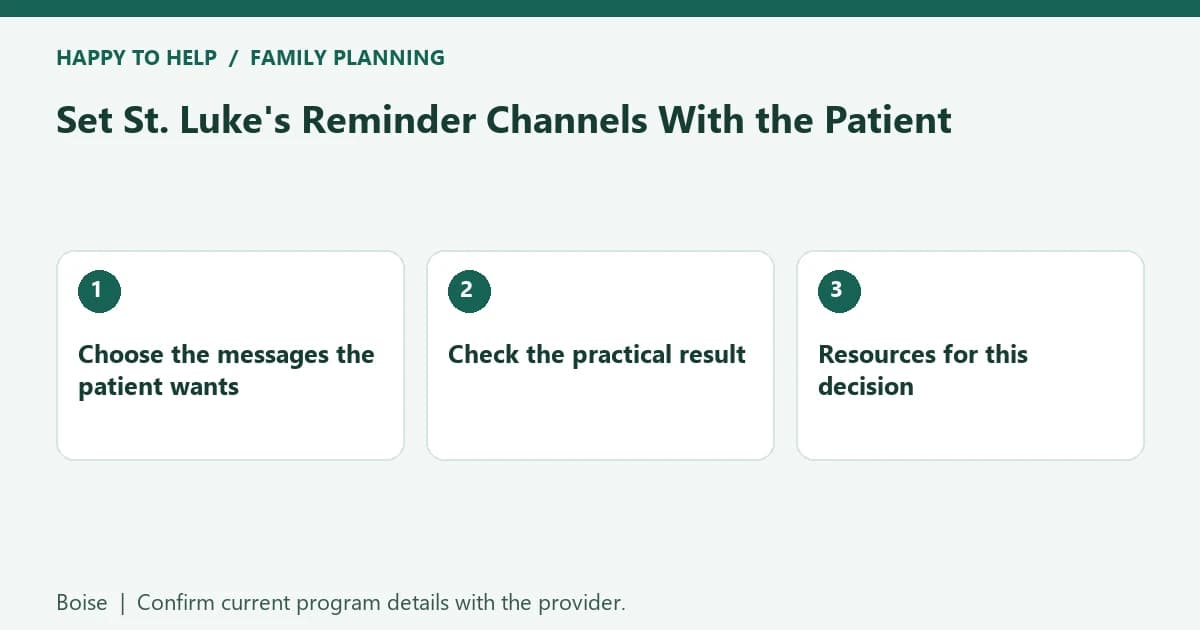
Set St. Luke's Reminder Channels With the Patient
Reviewed by Tyree Powell, Marketing on .
For families in Boise
For families in Boise, Treasure Valley & Magic Valley: use the resources and practical steps in this guide to plan wanted nonmedical help. Confirm individual requirements and current availability with the responsible provider.
Set St. Luke's reminders around the patient's chosen channels and message categories, then verify the actual appointment separately. Changing a notification setting is not the same as receiving a reminder or confirming a visit.
Choose the messages the patient wants
Ask whether the patient prefers the available phone, text or other channel for each relevant category. Use the patient's own account or an authorized support route. The public instructions distinguish channel choices, message categories and saving changes; one toggle does not necessarily change every kind of message.
If text subscription requires verification of the number's owner, complete the provider's actual process with that person's participation. Do not use someone else's phone or forward private messages by default. Ask hospital or clinic support to resolve uncertainty in the current interface.
Check the practical result
Confirm that the intended number or channel is recorded and ask how the patient can change the preference later. A saved setting does not prove a particular reminder has been sent or delivered. Check the appointment through the current account or directly with the clinic.
With the patient's permission, share only the details a ride or daily-care helper needs. Agree who will notice an appointment change and update the real support arrangement. Keep access permissions, notification preferences and accepted care visits as separate decisions.
Resources for this decision
For a separate discussion of wanted nonmedical assistance, contact the Boise care team or Get Started. Describe the actual location, tasks and timing, and ask the team to confirm what it can provide before relying on a visit.